Quick answer
What is CRM automation?
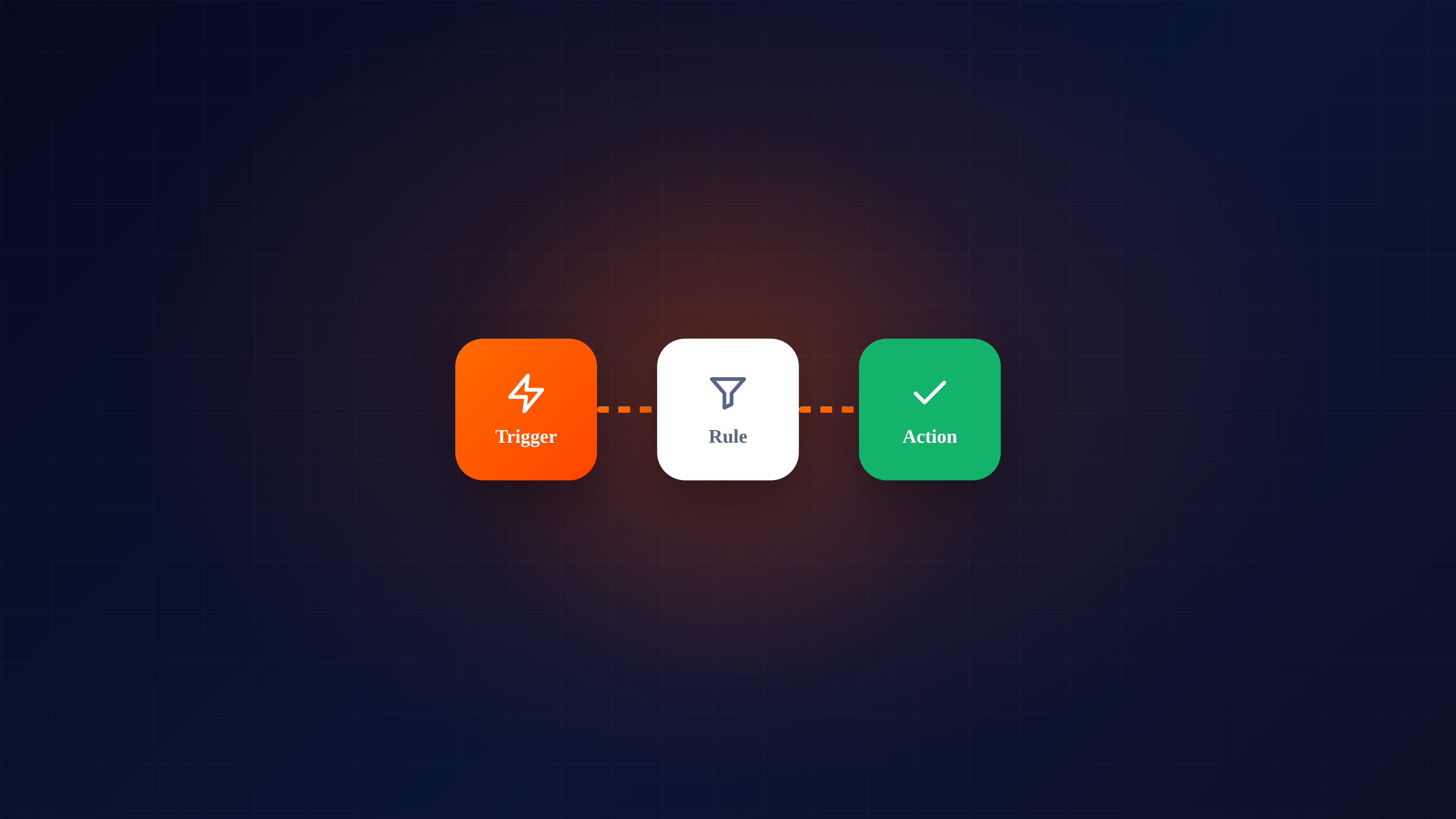
CRM automation is letting your CRM handle repetitive sales admin for you — follow-up reminders, call logging, email tracking, scheduled sends and duplicate detection — so your team spends time selling instead of updating records.
Key takeaways
- CRM automation handles repetitive sales admin for your team.
- It covers reminders, call logging, email tracking, scheduled send and dedup.
- Benefits: more selling time, consistent follow-up and trustworthy data.
- It handles timing and admin — it doesn't replace judgement or relationships.
"CRM automation" sounds like something that needs an IT department and a six-month rollout. The actual idea is refreshingly simple: anything repetitive your team does inside the CRM, the CRM should do for them. That's it. No buzzwords required. This guide explains what it covers, what it's genuinely good for, and where it stops — so you can put it to work without overcomplicating it.
1What CRM automation actually is
CRM automation is the set of features that handle routine sales and admin tasks automatically, so your team spends its time on the work that needs a human: talking to people and closing deals. It's not one big magic feature — it's a collection of small, reliable time-savers that add up.
Think of it as removing the "I'll do that later" tasks from everyone's plate, so they simply happen.
2What it typically covers
Follow-up reminders
The highest-impact automation of all. The CRM surfaces the next touch on each lead when it's due, so follow-ups stop depending on memory. (We go deep on this in how to automate lead follow-ups.)
Activity and call logging
Calls and emails get logged against the right lead automatically, instead of someone typing up notes after the fact — notes that, realistically, often never get typed.
Email tracking
You see when a prospect opens an email or clicks a link, so you can act on interest while it's fresh.
Scheduled send
Write a message now; it goes out at the optimal time without you remembering to hit send.
Duplicate detection
The system catches when the same lead comes in twice, so you don't have two reps working one prospect or a messy, double-counted pipeline.
3The real benefits
When these small automations run, three things change for the better:
- More selling time. Every minute not spent on data entry is a minute available for an actual conversation.
- Consistent follow-up. The cadence runs the same for every lead, so none fall through the cracks on a busy week.
- Trustworthy data. Because logging is automatic, your pipeline and reports reflect reality instead of whatever people remembered to enter — and decisions made on real data are better decisions.
Worth knowing: a lot of practical CRM automation is plain, reliable workflow automation — rules, reminders, triggers. It doesn't need to be "AI" to be genuinely useful, and the dependable kind is what actually moves the needle day to day.
4Where automation stops
It's just as important to know the limits. CRM automation handles timing and admin — it does not replace judgement or relationships. It won't decide which deal is worth your energy, read the room on a call, or craft the message that lands with a specific person. The goal is to free your team to do exactly those human things more, by taking the repetitive work off their plate. A team that automates the admin and personalises the conversation beats one that does the reverse, every time.
5Where to start
You don't switch everything on at once. A sensible order:
- Follow-up reminders first — the biggest single win.
- Automatic activity/email logging — so your data gets trustworthy.
- Email tracking — so you follow up on real interest.
- Duplicate detection — to keep the pipeline clean as volume grows.
CRMNest's CRM automation focuses on exactly this kind of reliable, practical automation — reminders, tracking and logging that keep your team selling and your data clean, without a heavy setup.
Frequently asked questions
What does CRM automation do?
It handles repetitive admin — follow-up reminders, call logging, email tracking, scheduled send and duplicate detection — so your team spends time selling.
Is CRM automation the same as AI?
Not necessarily. Much of it is practical workflow automation. CRMNest focuses on this kind of reliable automation rather than AI features.
Where should I start with automation?
Follow-up reminders first — they're the highest-impact change — then email tracking and duplicate detection.