Quick answer
How do you automate lead follow-ups?
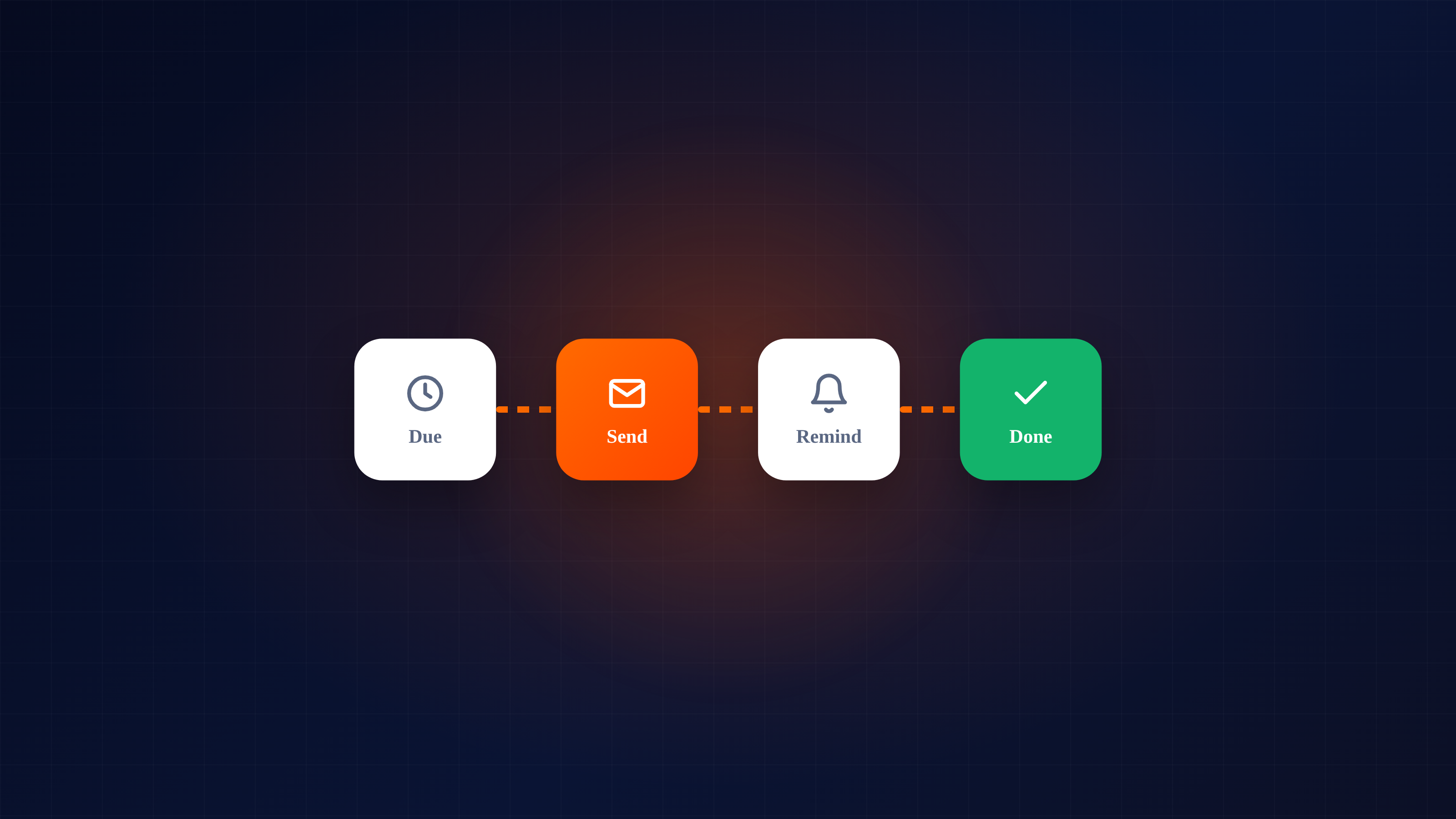
Automate lead follow-ups by scheduling reminders, tasks and follow-up emails on each lead, tracking email opens so you act when interest is high, and using templates to send fast. Automation handles the timing and admin; you keep the message personal.
Key takeaways
- Automate reminders, tasks, follow-up emails and scheduled sends per lead.
- Use email open tracking to follow up the moment interest spikes.
- Keep it personal — templates set the stage, you add the human line.
- A simple automated flow runs the same for every lead, every time.
Ask any sales team where they lose the most deals, and the honest answer is rarely "the pitch." It's the follow-up that never happened. "I'll call them next week" turns into next month, and by then the lead has gone cold or signed with someone who stayed in touch. Automating follow-ups fixes this at the root: the right touch happens at the right time, every time, without depending on anyone's memory or willpower.
This guide walks through exactly what to automate, how to keep it personal, and how to build a flow that runs itself.
1Why follow-ups fail without automation
It's worth being clear about the real problem, because it isn't effort. Most salespeople genuinely intend to follow up. But follow-up is invisible work: there's no deadline forcing it, no one chasing it, and it competes with a dozen more urgent things every day. So the second, third and fourth touches — exactly the ones that win deals — quietly slip. Research consistently shows most sales need several touches to close, yet most reps give up after one or two. The gap between "deals that need five touches" and "reps who make two" is where your pipeline leaks.
Automation closes that gap by making the follow-up the default, not an act of discipline.
2What you can actually automate
You don't automate the relationship — you automate the timing and the admin around it. The highest-value things to automate:
Reminders and call-backs
The moment you finish a conversation, the next action should be scheduled on the lead. When it's due, it surfaces on your list. No reminder, no memory required.
Follow-up tasks
Each lead carries its own next step with a due date, so nothing sits in limbo. A lead with no next step is a lead that's dying — automation makes that impossible.
Follow-up emails
Templated emails that send on a schedule (or when a trigger fires) keep a cadence running even when you're busy with other deals. You write the template once; it works for every lead.
Scheduled send
Write the message now, have it go out at the right time — first thing tomorrow, or after the weekend — so your follow-ups land when they're most likely to be read.
Open-tracking triggers
When a prospect opens your email or clicks a link, that's a spike of interest. Automation can surface that moment so you follow up while you're top of mind — the single highest-leverage follow-up you can make.
The rule: automate the when, personalise the what. The system makes sure the touch happens; you make sure it's worth receiving.
3Keeping automated follow-ups personal
The fear with automation is that it turns your outreach into obvious spam. It doesn't have to — and the best teams use the time automation frees up to be more personal, not less. A few principles:
- Templates are a starting point, not the finish line. Use them to handle structure and timing, then add one specific line that only applies to this prospect.
- Reference the last conversation. Because every interaction is logged, your follow-up can pick up exactly where you left off instead of starting cold.
- Vary the channel and the ask. Not every touch is the same email again — mix a helpful resource, a quick check-in, a relevant case, a direct question.
- Know when to stop. A good flow has an exit: when a lead replies or converts, the automation steps aside so a human takes over.
4Building a simple follow-up flow
You don't need a complex automation builder to start. A reliable flow looks like this:
- Day 0 — immediate response. A lead comes in; it's acknowledged fast (speed-to-first-contact is a huge predictor of conversion).
- Day 2 — first follow-up. A helpful, specific message if there's been no reply.
- Day 5 — value touch. Share something genuinely useful — a relevant guide, a quick answer to a likely question.
- Day 9 — direct ask. A short, clear "are you still looking into this?" message.
- Day 14 — graceful close. A final "I'll stop here for now, reach out any time" — which, surprisingly often, gets a reply.
The exact days matter less than the fact that the flow runs the same for every lead, every time. That consistency is what automation buys you.
5Measure, then tighten
Once a flow is running, look at which touches get responses and which get ignored, and adjust. Maybe the day-5 value touch outperforms everything — so you lead with it sooner. Maybe a whole step adds nothing — so you cut it. Automation makes this measurable, which makes your follow-up smarter over time rather than just busier.
CRMNest's lead follow-up automation handles the reminders, tasks, scheduled emails and open-tracking described here, so your cadence runs on rails. If you want the thinking behind the cadence itself, read how to build a lead follow-up process.
Frequently asked questions
Does automating follow-ups make them impersonal?
No — done well, automation handles the timing and admin so your team has more time to personalise the actual message.
What follow-ups can you automate?
Reminders and call-backs, tasks, follow-up emails, scheduled send, and alerts when a prospect opens an email.
How many follow-ups should a lead get?
It varies, but five to seven touches over two to three weeks is a common starting cadence. The key is consistency.